

Step 1: Get your W&B API key
In W&B, go to your User Settings and copy your API key.Step 2: Enable Broadcast in OpenRouter
Go to Settings > Observability and toggle Enable Broadcast.
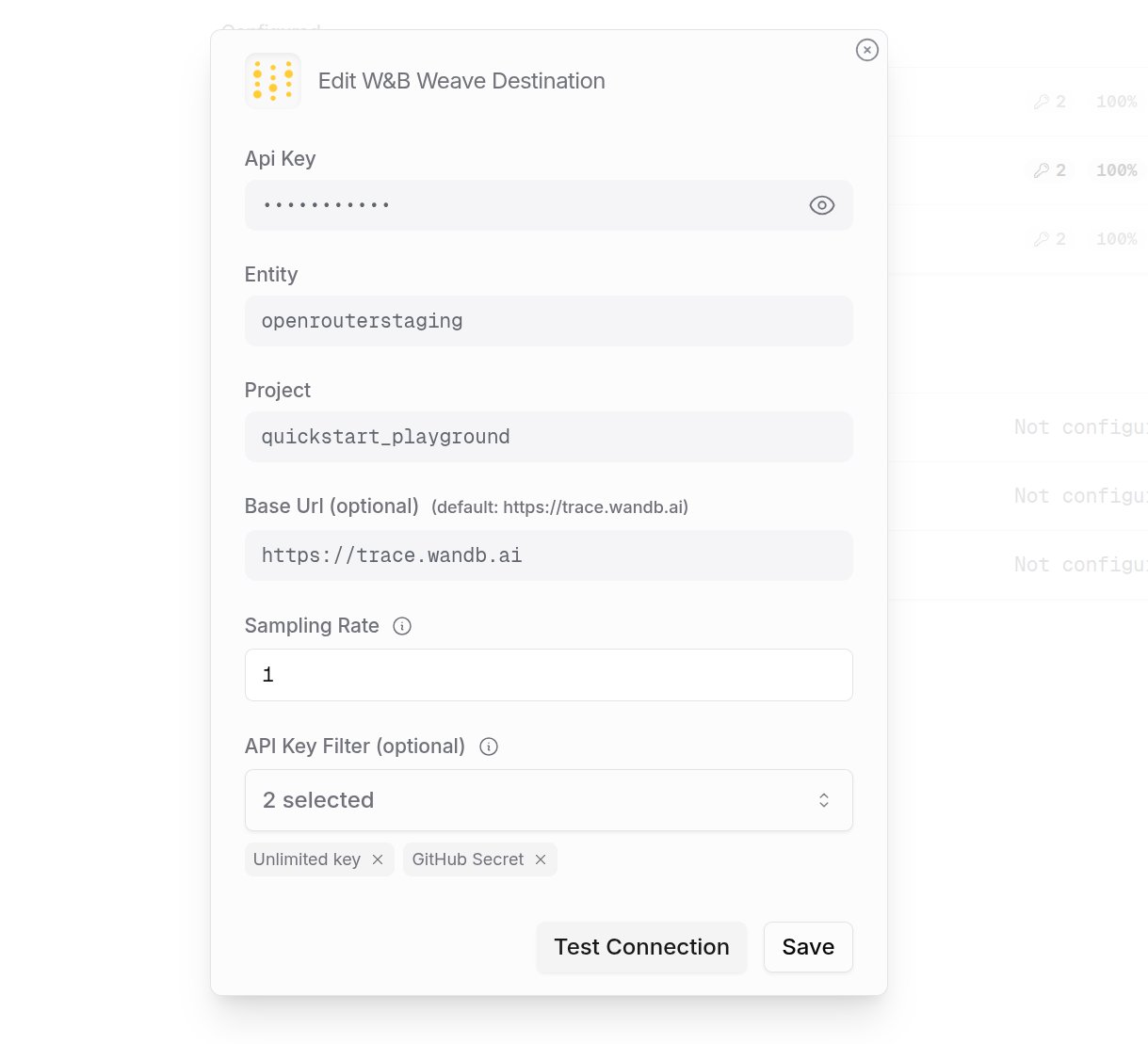
Step 3: Configure W&B Weave
Click the edit icon next to W&B Weave and enter:- Api Key: Your W&B API key
- Entity: Your W&B username or team name
- Project: The project name where traces will be logged
- Base Url (optional): Default is
https://trace.wandb.ai
Step 4: Test and save
Click Test Connection to verify the setup. The configuration only saves if the test passes.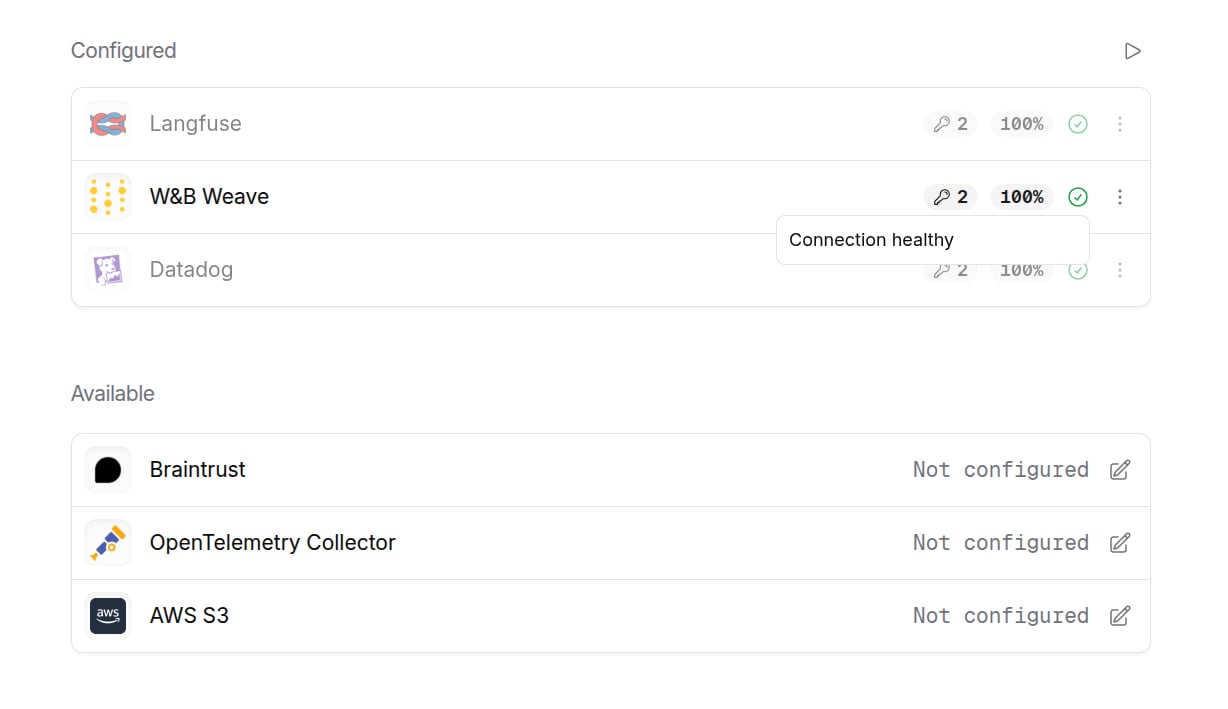
Step 5: Send a test trace
Make an API request through OpenRouter and view the trace in W&B Weave.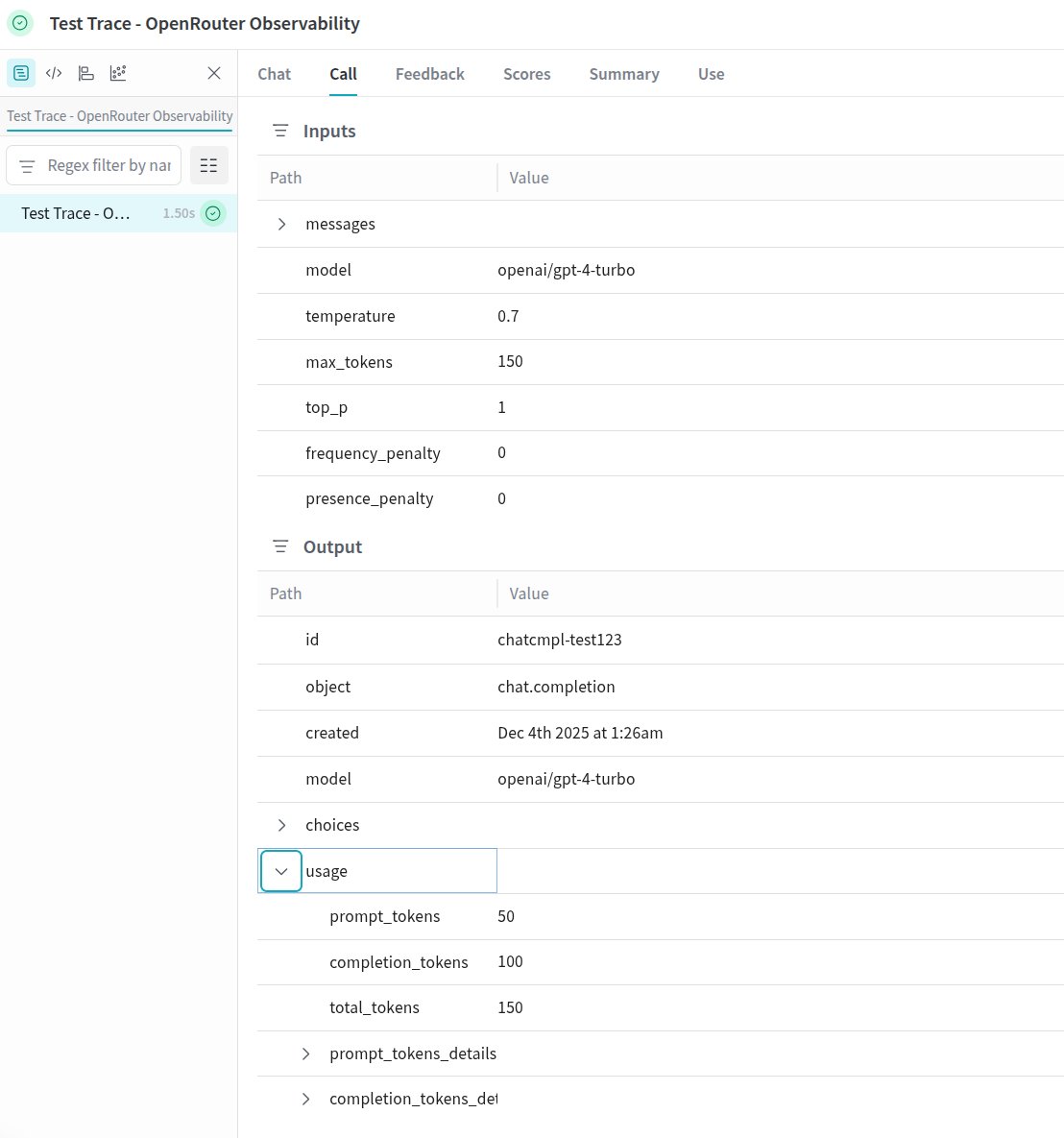
Custom Metadata
W&B Weave supports custom attributes and structured inputs for organizing and analyzing your LLM calls.Supported Metadata Keys
Example
Attributes and Inputs
Weave organizes trace data into:- Attributes: Metadata about the call (user IDs, organization IDs, trace identifiers, custom metadata)
- Inputs: The actual request data including messages, model parameters (temperature, max_tokens, etc.)
- Summary: Token usage, costs, and timing metrics
Additional Context
- The
userfield maps touser_idin attributes - The
session_idfield maps tosession_idin attributes - Custom metadata keys from
traceare merged into the call’s attributes - Model parameters (temperature, max_tokens, top_p) are included in inputs for easy filtering